![]()
Date & Time
- Japan: Sunday, October 19, 2025, 9:30–11:30 (JST)
- Seattle: Saturday, October 18, 2025, 17:30–19:30 (PDT)
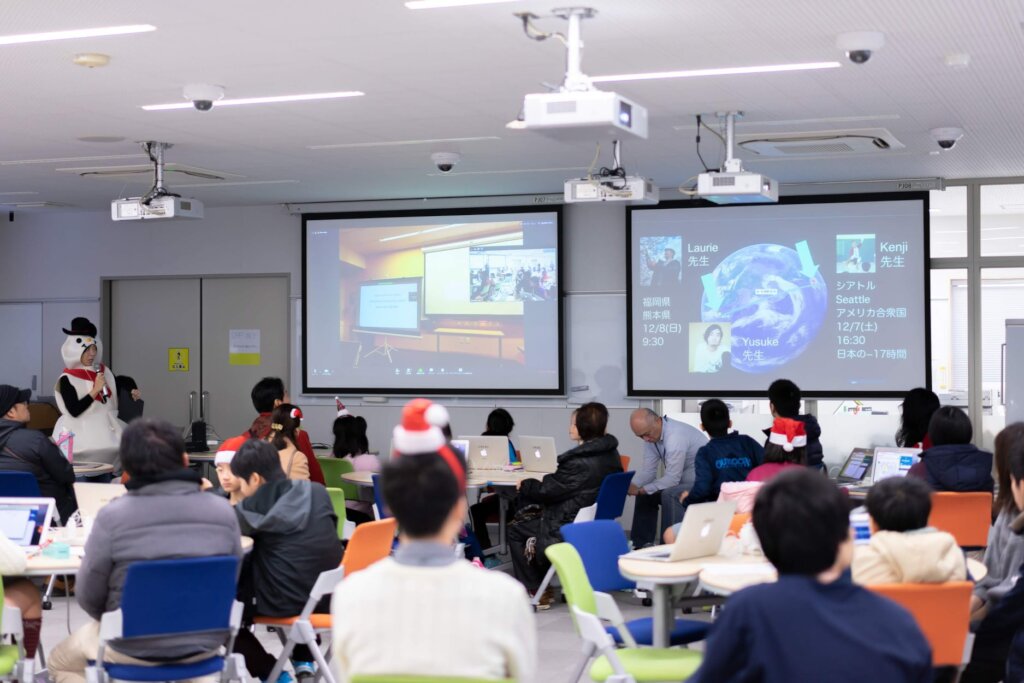
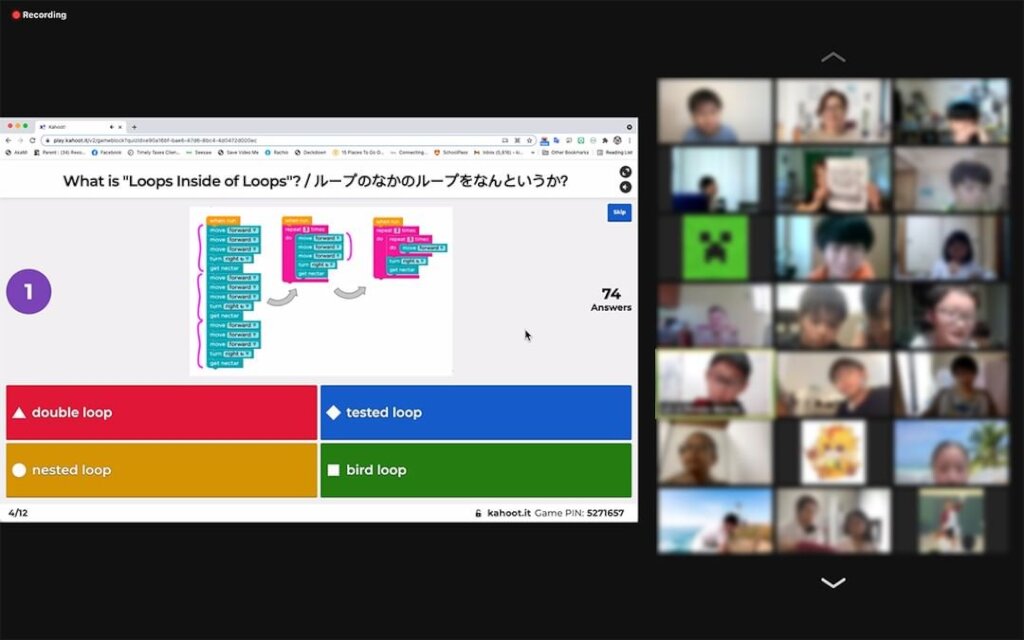
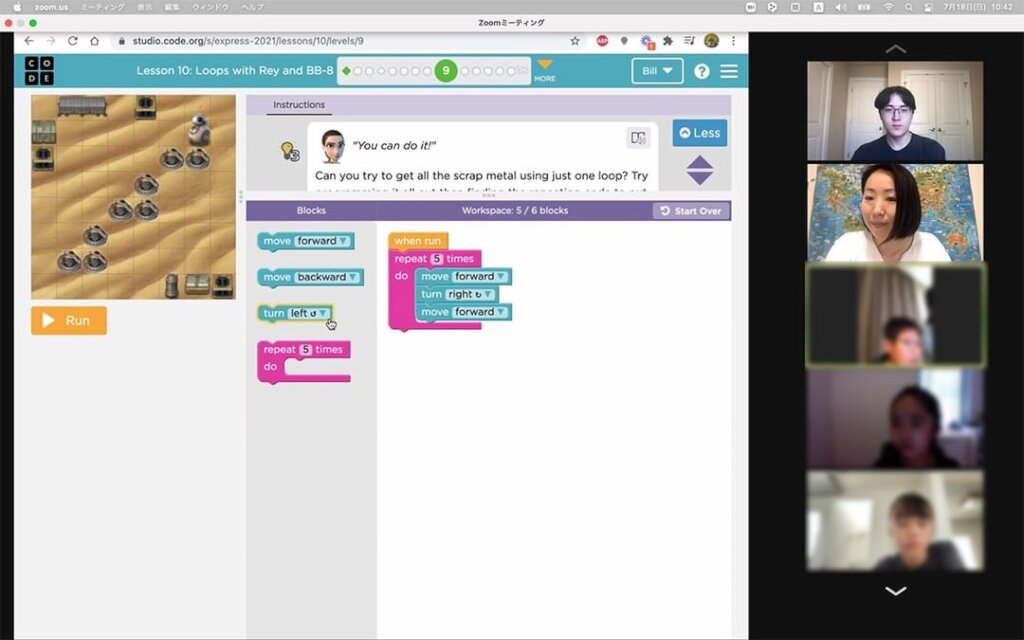
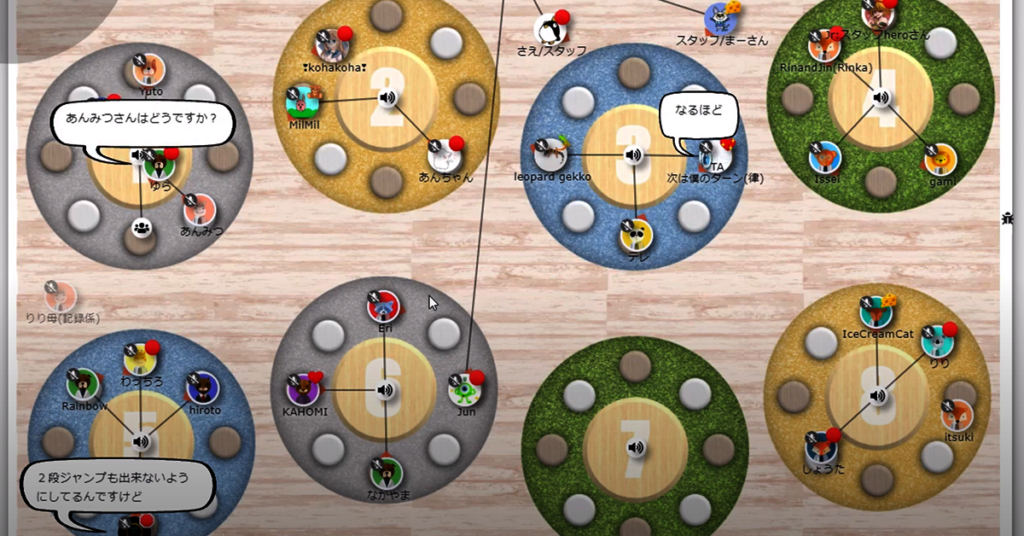
Using the online conference tool ZOOM, engineers from companies such as Google in Seattle and many other tech companies joined as Teaching Assistants (TAs).
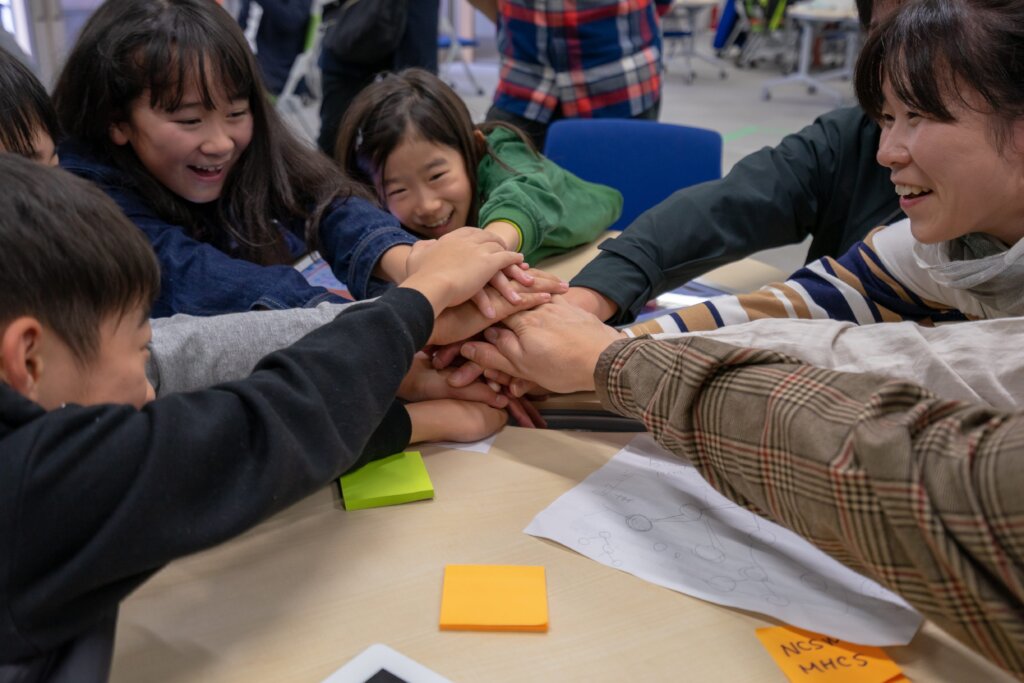
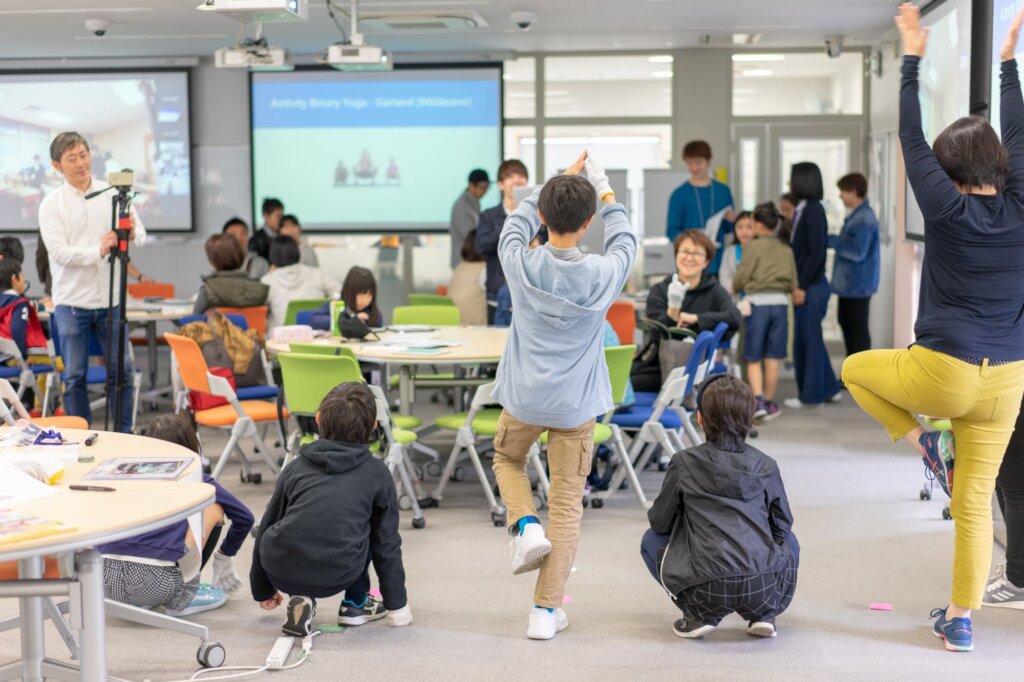
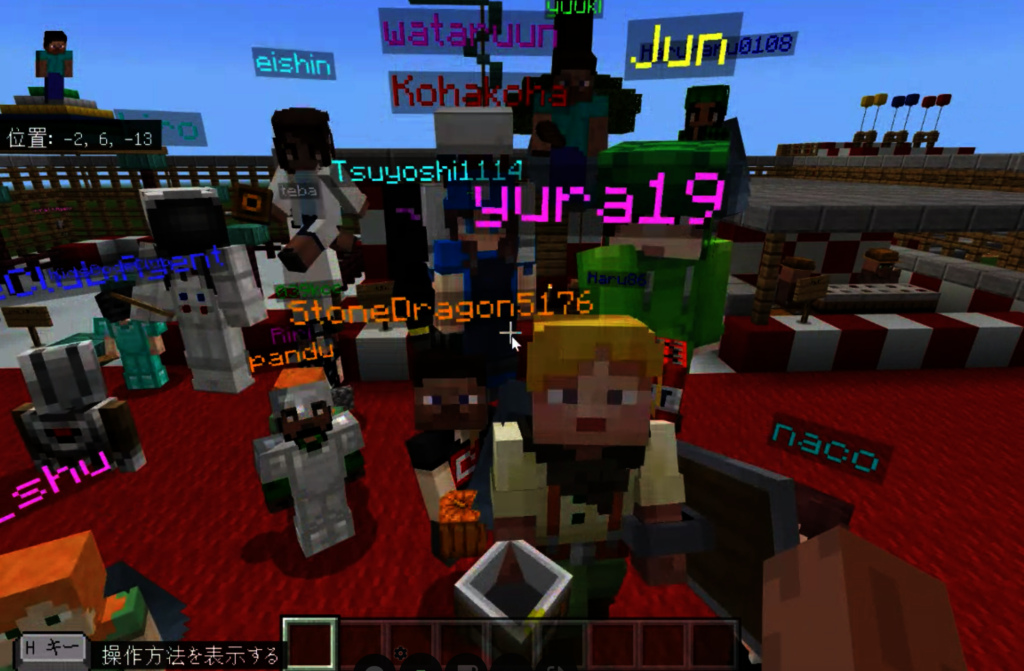
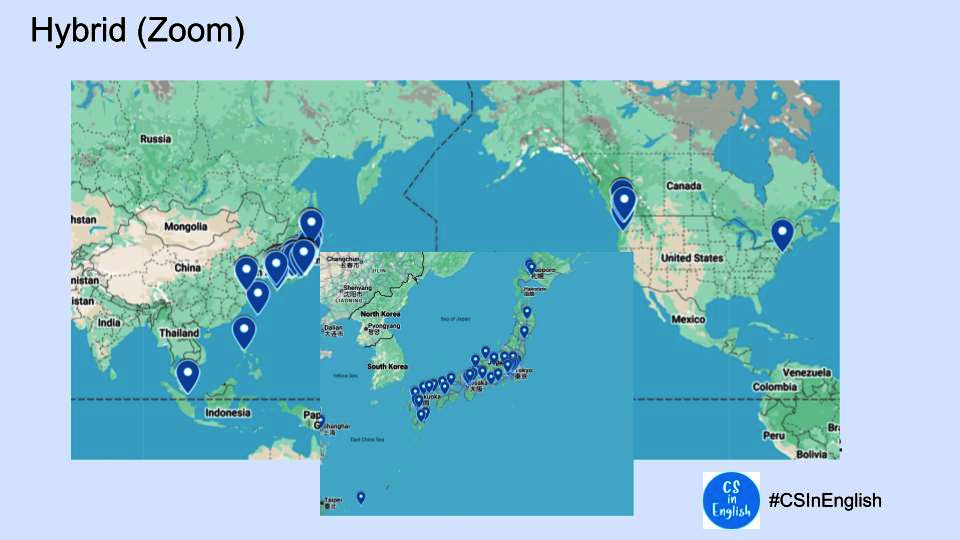
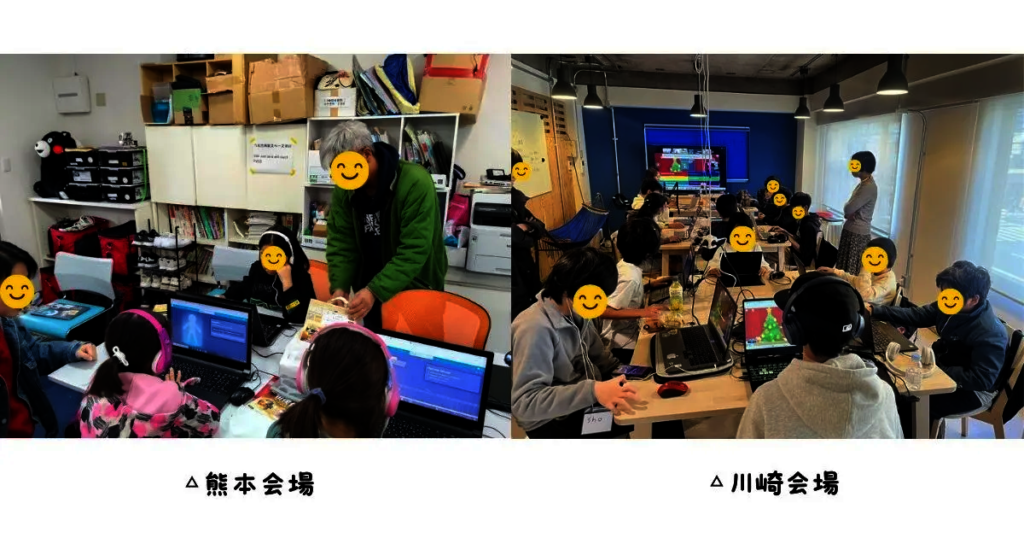
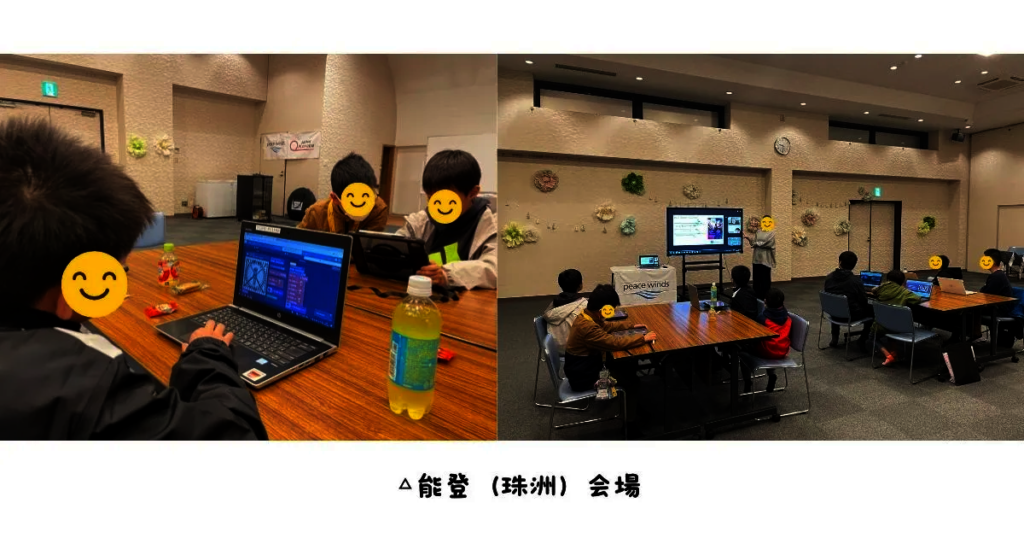
We also held an on-site session in Kumamoto. In total, more than 90 participants and staff members joined from across Japan and from six countries: the United States, Malaysia, China, Canada, and Singapore.
About the English Levels
When registering, each child selected their English level from L1–L3:
-
L1: Mainly Japanese, with important keywords and simple terms in English.
For children who are not yet used to English or who are around basic school English level.
-
L2: About half Japanese and half English.
For children who want to challenge themselves and learn more English, roughly around Eiken Grade 4 level.
-
L3: Fully in English.
For children who can follow everyday conversations in English.
How Breakout Rooms Worked
Participants were divided into small teams of 4–6 children according to their English level.
Each team had a dedicated TA, so children could ask questions whenever they got stuck.
(TA = Teaching Assistant)
Opening
Our CS in English Season 7, Session 6, “Level Up Your CS with Databases!” finally began.
The host, Masa, kicked things off cheerfully:
“Let’s start CS in English! Thanks for joining today!”
He added with a smile:
“I live a life where I’m constantly moving around—Fukuoka, Tokyo, Fukushima, Ibaraki, Seattle… and maybe even Mars!”
His unique self-introduction immediately filled the room with laughter.
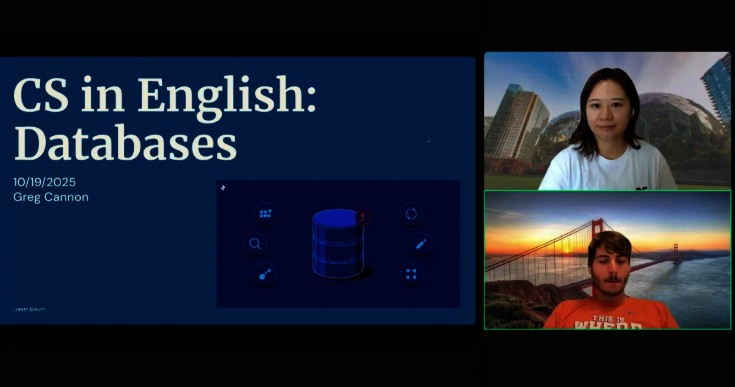
Next, our lecturer Utako joined. She works as a software engineer at Amazon Japan in Tokyo.
“I’ll do my best to explain Greg’s content in a way that’s easy for everyone to understand,”
she said with a big smile.
Then Greg, who works at Google in Seattle, introduced himself:
“I live in Seattle. My hobbies are rock climbing and solving Rubik’s Cubes. I also love grilled meat.”
Everyone was excited to see a teacher joining all the way from the US.
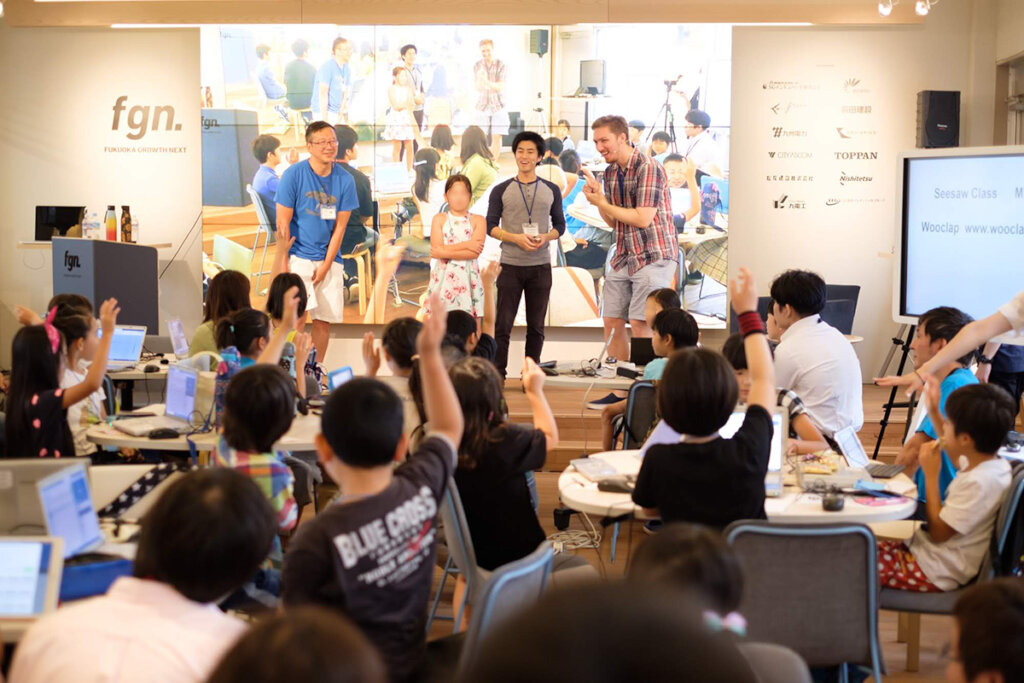
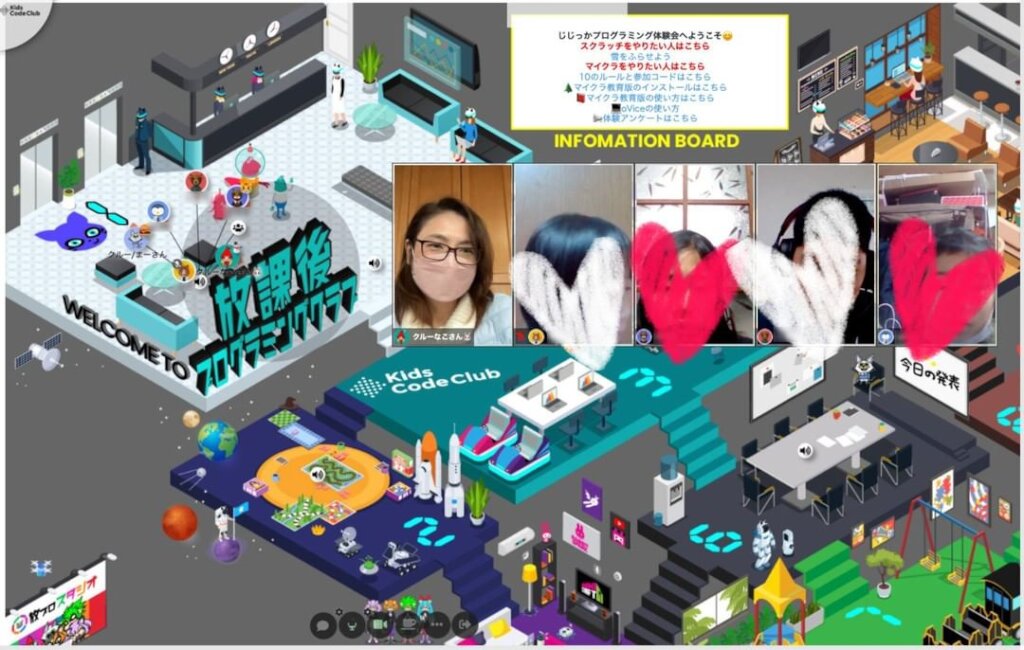
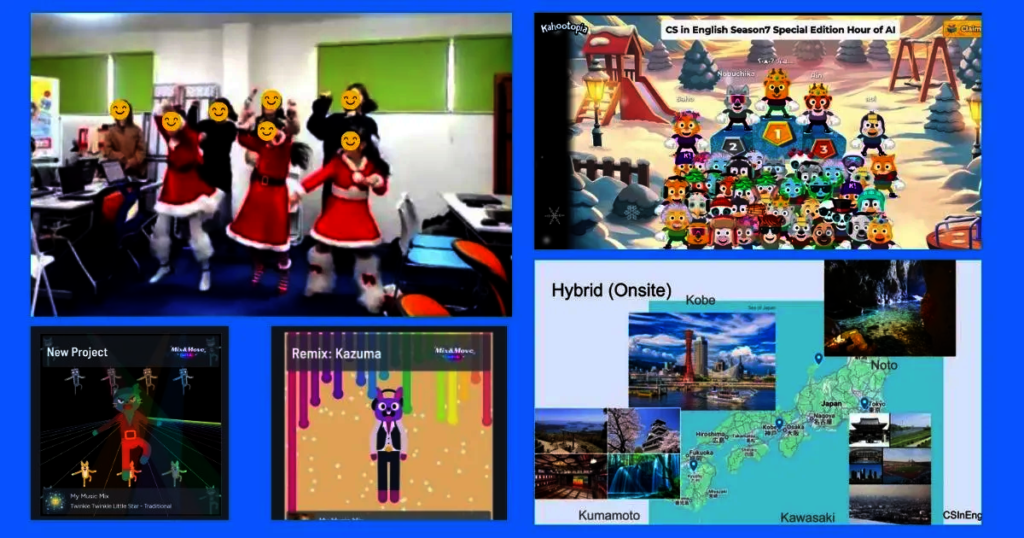
This event was held in a hybrid format: online via Zoom and on-site in Kumamoto. Just as Masa said,
“We’re gathering from all over Japan, all over the world, maybe all over the universe!”
Altogether, about 90 people joined from many different locations.
Masa also told the children that at the end, they would review what they learned using a quiz on Kahoot:
“Listen carefully so you can get a great score at the end!”
So, What Is a Database?A “Very Convenient Drawer” for Information
Today’s theme was “Databases and the basics of SQL, the language used to work with them.”
But what exactly is a database?
Greg and Utako explained it simply:
“A database is a table full of information.”
It’s like a very convenient drawer where you can store and find information easily.
Before databases existed, people had to flip through paper dictionaries or files and search everything by hand. If you just want to know the meaning of “necklace,” that’s still manageable.
But what if you were asked:
“How many 4-letter words are there in Japanese?”
Doing that by hand would be incredibly hard.
With a database, it’s completely different.
For example, if you have a participant list and want to know:
“How many people have names starting with the Japanese character ‘’?”
You can use SQL to search, and the answer appears in an instant.
Very powerful, right?
Three Steps to Get Information with SQL
Even difficult searches that would take forever with paper dictionaries can be done in a moment with a database.
So how do we actually get information out of a database?
Surprisingly, the logic can be broken down into just three steps:
-
Ask a Question
First, you send a question to the database.
This question is called a “Query.”
It literally means “question” in English.
For example:
“How many English words start with the letter P?”
This question itself is the query.
-
The Computer Searches the Database
The computer receives the query and reads through the database.
Like flipping through a dictionary—only at an unbelievable speed—it checks each piece of data one by one.
-
The Computer Returns the Answer
This process happens extremely fast.
Because computers are very good at doing many simple operations quickly, they can return an accurate answer like:
“There are 870 words that start with P,”
almost instantly after you send the query.
What Is SQL?
Greg explained that SQL is:
“A special-purpose language for searching databases.”
It’s different from general-purpose programming languages like Java or Python.
SQL plays the role of a “bridge” between humans and the database.
Building a Custom Tool Using AI
For the workshop, we actually used a special custom-made tool instead of writing SQL by typing.
Why?
Because many of our participants are elementary school students who are not yet used to text-based coding.
If they had to learn both SQL query concepts and text coding at the same time, the hurdle would be too high.
So, we decided to build our own tool where children could create SQL queries using block-based coding, similar to Scratch.
This tool was developed by fully leveraging AI, including Codex and Gemini 2.5 Pro, and using Google’s Blockly library.
Thanks to this, children could write SQL just by dragging and dropping blocks with the mouse—just like Scratch.
We also added a feature where children could take screenshots of their queries and share them with everyone using a gallery function.
Everything was implemented with AI-assisted coding (Vibe Coding), following AI’s instructions only.
This event really made us feel that we now live in an age where we can freely create educational tools by fully using AI.
SQL Basics and BeyondFrom SELECT, FROM, WHERE to More Advanced Analysis
To actually get information from a database, there are some key SQL keywords.
The three most fundamental ones are:
- SELECT: What you want to select
- FROM: Where you select it from (which table)
- WHERE: Under what conditions you select it
By combining these three, you can extract exactly the information you want.
We also introduced COUNT, which allows you to answer questions like “How many are there?” with a number.
On top of that, we introduced some very handy keywords for more complex analysis:
- GROUP BY: Group data, for example by grade or blood type
- ORDER BY: Sort results in ascending or descending order
- DISTINCT: Remove duplicate results
- AS: Give a shorter alias to a long column name
- LIMIT: Limit the number of rows returned (e.g., “only the first 5 results”)
If you can use these well, you can work with data like a real data scientist.
For this workshop, we used a custom learning database created from the pre-event survey filled out by the participants.
- Horizontally, the database has ROWS: each row stores the information for one individual student.
- Vertically, it has COLUMNS: each column represents a question item, such as “Hometown,” “Favorite fruit,” “Favorite subject,” and so on.
Breakout Workshops: Trying It Out for Real
After the main lecture, it was time for hands-on practice.
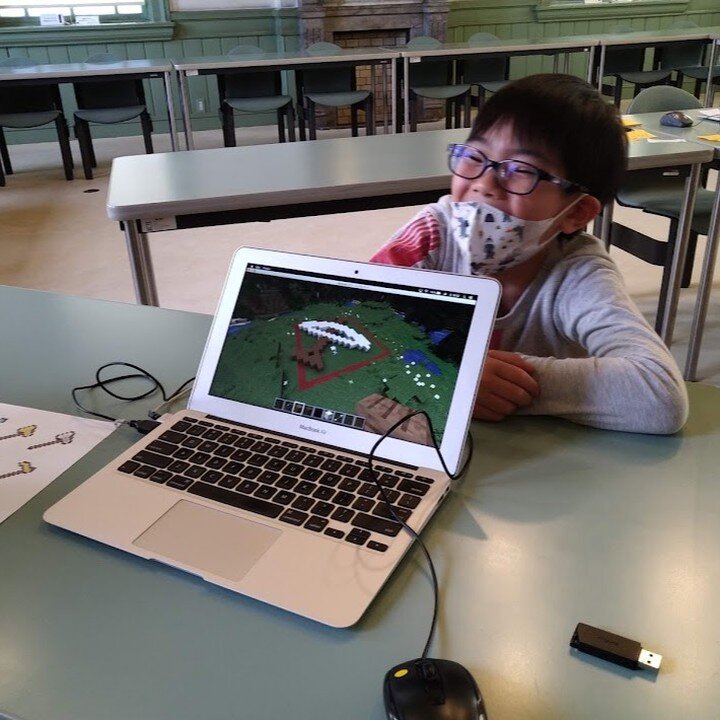
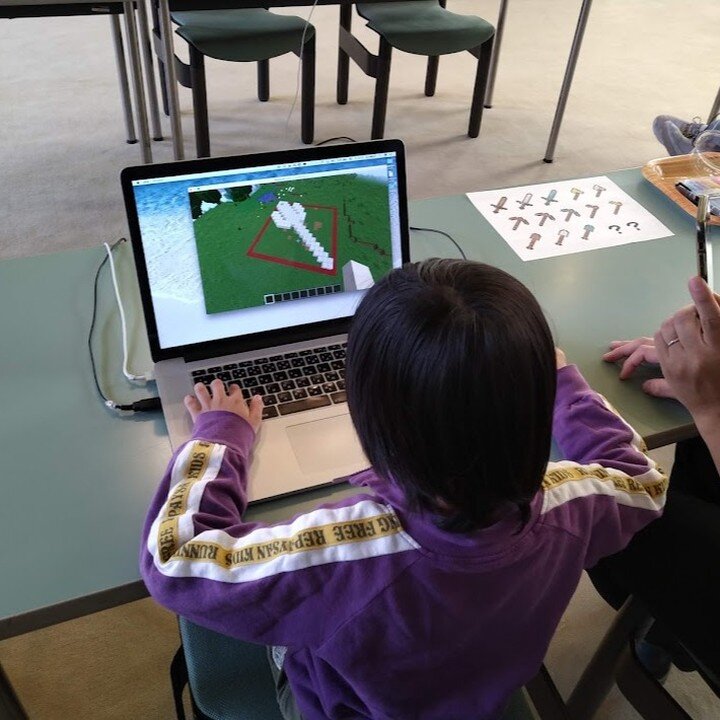
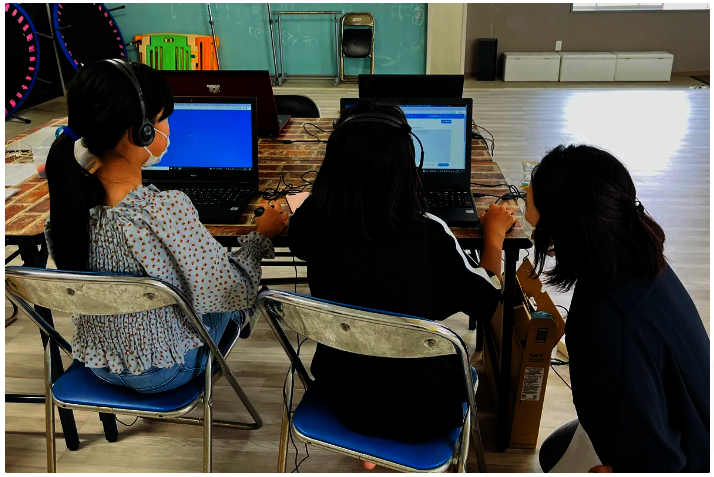
Children moved into small breakout rooms grouped by English level and worked on their tasks.
Here, we took a peek into L1-1, a class where explanations were mainly in Japanese.
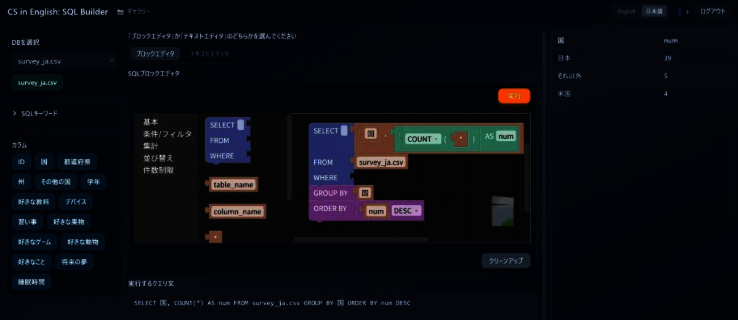
Using the pre-event survey as the database, the children used the block editor to build SQL queries.
The challenge was:
“Display the number of participants for each country or region.”
Working together, they built a query with conditions like:
- SELECT: Country and number of participants
- FROM: The survey database
- GROUP BY: Country
And then—there it was. The result appeared at once:
“26 participants from Japan, 1 from the US, and 1 from other countries.”
The children were amazed by how quickly the results came back and looked very proud of what they had created.
Kahoot Quiz: Reviewing Today’s Learning
After about 40 minutes of workshop time, everyone returned to the main room.
The atmosphere was full of energy.
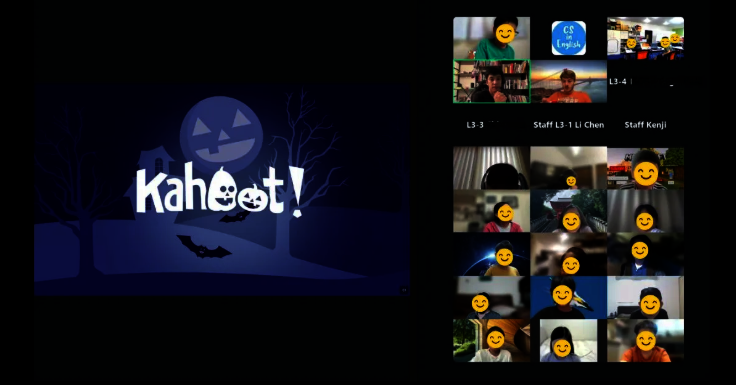
Next, we moved on to a quiz using Kahoot to review what everyone had learned.
When Masa said:
“The top three might receive Amazon gift cards!”
the children’s faces suddenly turned serious.
With upbeat background music playing, they finished a practice round and then the real game began.
Questions included:
- “What was today’s topic?”
- “What language do we use to get data from a database?”
Most participants answered the basic questions correctly, and the scores changed rapidly depending on how fast they answered.
Names on the leaderboard kept switching, just like watching a sports match.
In the middle, there were more challenging questions using GROUP BY and LIMIT.
Some children got stuck there, so Greg and Utako stepped in with clear explanations.
You could see “Now I get it!” reactions and comments appearing from the children on screen.
One question was:
“What can we do with SQL using the database from today’s survey?”
- Red: Find which US state had the most responses
- Blue: Rank the most popular school subjects
- Yellow: Analyze how many extracurricular lessons are taken in each country
- Green: Analyze patterns in children’s future dreams
The correct answer was…
All of them – YES to everything!
Even though there were some tough questions, many children got this one right. It was really impressive.
Interview with the Winners
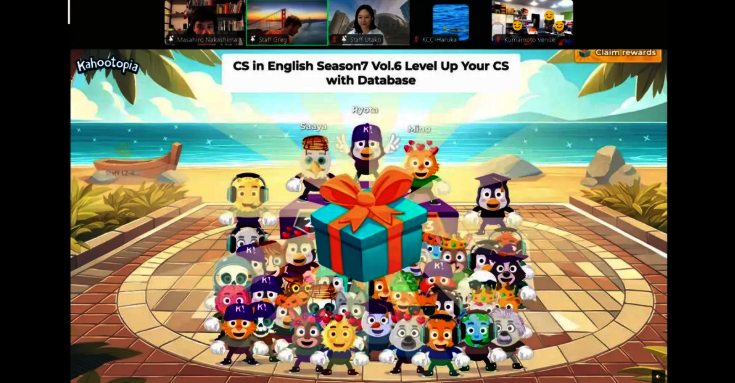
After a close battle, Ryota took 1st place, Saaya came 2nd, and Mino came 3rd.
After a round of applause, Masa interviewed the top three:
-
3rd place – Mino:
“I was nervous, but it was easier than I expected,”
he said with a smile, clearly having enjoyed the tension of the quiz.
-
2nd place – Saaya:
“I made mistakes at first, but I caught up later. It was fun,”
she reflected happily.
-
1st place – Ryota:
“Today was my first time touching databases, but I realized it was easier than I thought. I want to keep trying a bit more from now on,”
he said, showing strong motivation.
Masa responded with a big smile:
“That makes me really happy to hear!”
Impressive SQL Examples from the Workshop
Towards the end, Utako shared some of the most interesting SQL queries created in the breakout rooms.
-
Li’s SQL:
Selected Grade and COUNT and used GROUP BY Grade to answer:
“How many students are in each grade?”
The result showed that 6th graders were the most common, with 7 participants.
-
Sota’s SQL:
Focused on favorite animals and used:
ORDER BY favorite_animal ASC
“ASC” means sorting in alphabetical order.
The results included familiar pets like dogs and cats, as well as red pandas, giraffes, and other unique answers, showing the variety of children’s interests.
-
Yuka’s SQL:
Collected future dreams and the number of children for each.
She found that five children wanted to become game creators.
Utako commented with a smile:
“I guess many of them really love Minecraft.”
-
Taiga’s SQL:
This was a very advanced query analyzing the relationship between favorite games and favorite school subjects.
From the results, they found patterns such as:
“Children who like action games also tend to like PE.”
Utako was very impressed by the creativity and curiosity behind this analysis.
Everyone gave a big round of applause for these four wonderful examples.
Summary of the Session
In this “CS in English Season 7 – Session 6,” elementary and junior high school students:
- Learned how databases work
- Used SQL to retrieve information quickly
- Experienced how data can be analyzed in many different ways
Kids Code Club is committed to continuing to provide learning opportunities that connect to children’s futures.
This program is made possible thanks to:
- Donations from individuals, companies, and foundations
- Grants
- And the support of many volunteers
We will keep working to bring fun, accessible technology education to even more children.
We sincerely appreciate your continued warm support.
Next Event Preview
Participate in the Hour of AI at CS in English
/ Hour of AI CS in English
- Japan: Sunday, December 7, 2025, 9:30–11:30 (JST)
- Seattle: Saturday, December 6, 2025, 16:30–18:30 (PST)
Voices from Participants – From the SurveyQ. What did you enjoy, what made you happy, or what was fun for you?
Children:
- “It was fun to see my program gradually work as I built it.”
- “I liked trying out the tools you gave us.”
- “It was fun to build code with blocks in the SQL Builder.”
- “I was happy that I could do what I wanted using SQL.”
- “Coding itself was fun.”
Q. For parents: What went well, how did your child change, or were there any memorable episodes?
Parents:
- “I thought the difficulty might be too high, but I was happy to see that my child actually understood more than I expected.”
- “At first, they said ‘This is hard, I don’t get it,’ but after the class split into levels, they seemed to understand little by little.”
- “In the breakout room, my child didn’t just complete the required tasks—they started creating queries for fun. I think it was a very valuable experience.”
- “My child has no problem communicating in English, but they’re shy and need courage to speak up.
In the breakout room, they fell behind because the tablet wasn’t working well, and both of us started to panic.
I was about to give up, but my child gathered the courage to ask the teacher for help. I was so proud of that moment.
I’m very grateful that the teacher responded so sincerely within the limited time. Thank you so much!”
TAs’ Impressions
- “It felt like the students definitely learned more about databases and how to query them!”
- “Kids seemed to really enjoy the game at the end!”
Thank You, Teachers!
Charles
Giyoul
Greg
Jing
Joren
Kevin
Li
Lu
Luis
Masaki
Masatoshi
Raymond
Riona
Ryan
Saki
Sana
Srinivas
Utako
CS in English Project Team
- Seattle Team: Seattle IT Japanese Professionals
- Kumamoto Team: NPO Kumamoto L R Net
- Kobe: Kobe City Government, Economic and Tourism Bureau, New Industry Creation Division
- Noto Team: Peace Winds Japan / Noto Education Lab
- Fukuoka Team: General Incorporated Association Kids Code Club
![]()
![]()
![]()
![]()
![Share on Twitter]()
![Share on Facebook]()