By Robert Kyobe | Project Leader
Project Overview
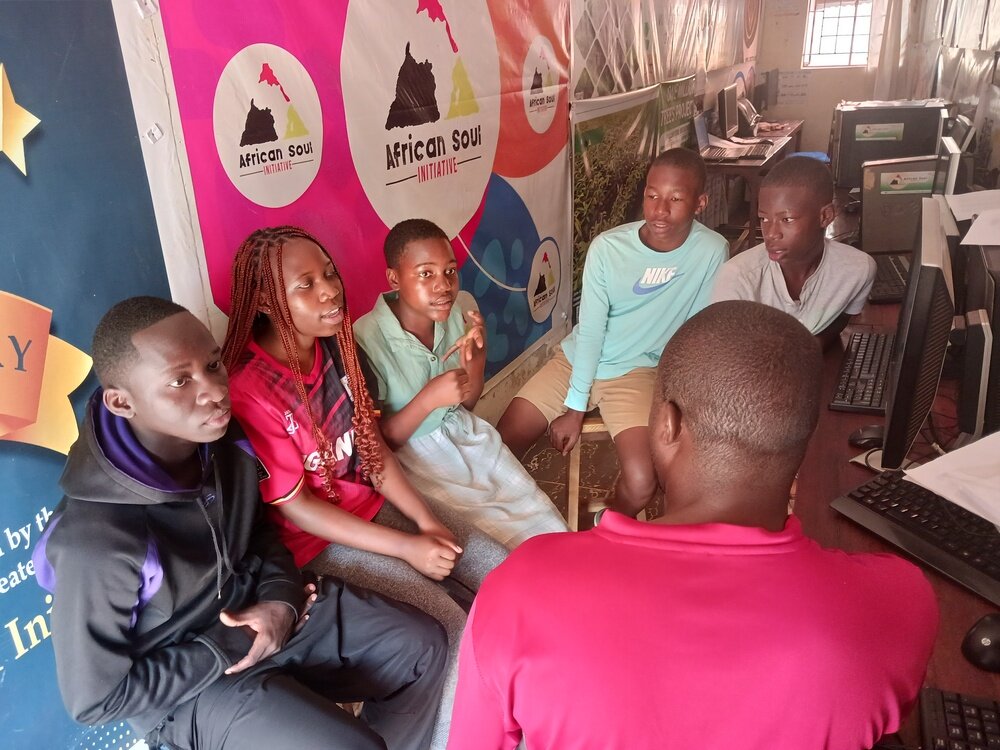
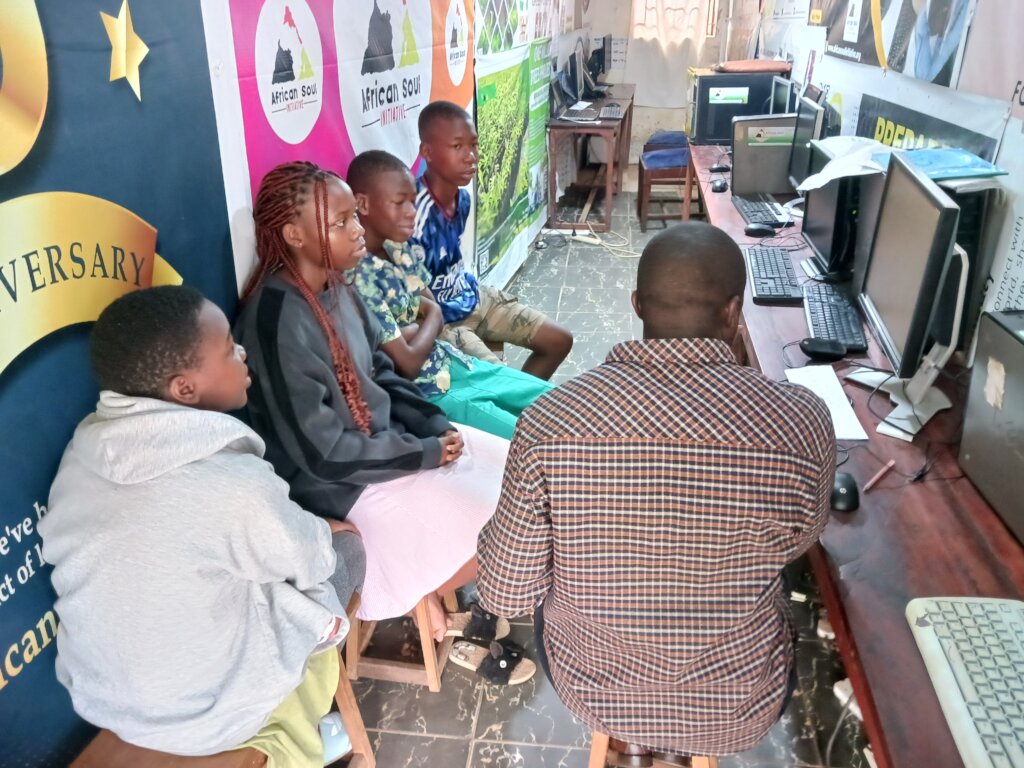
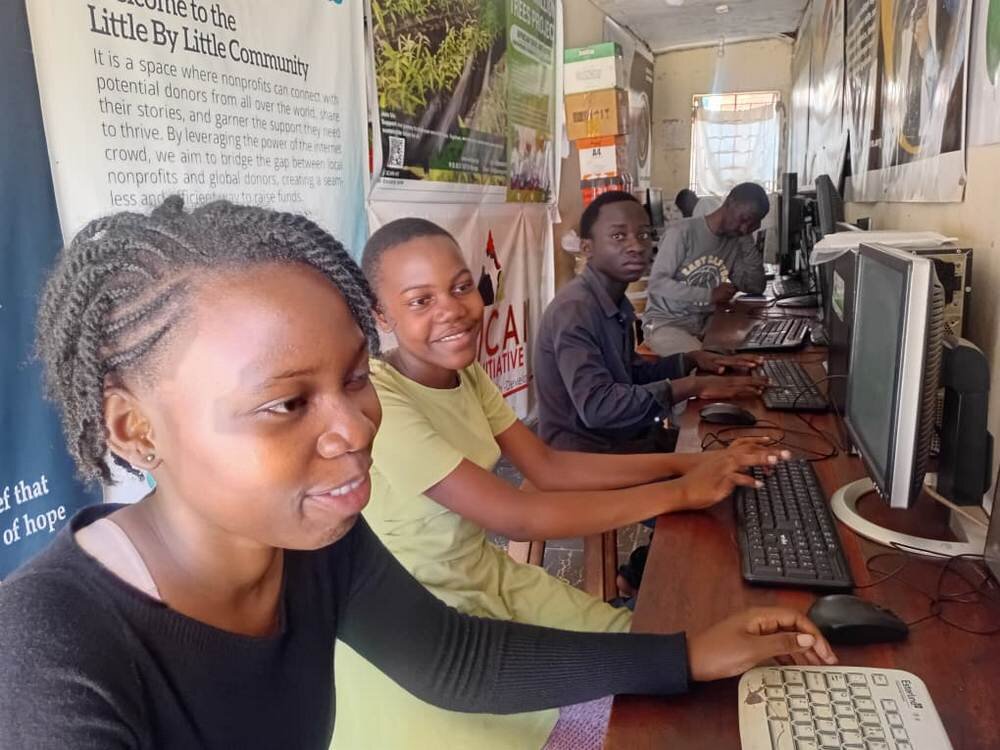
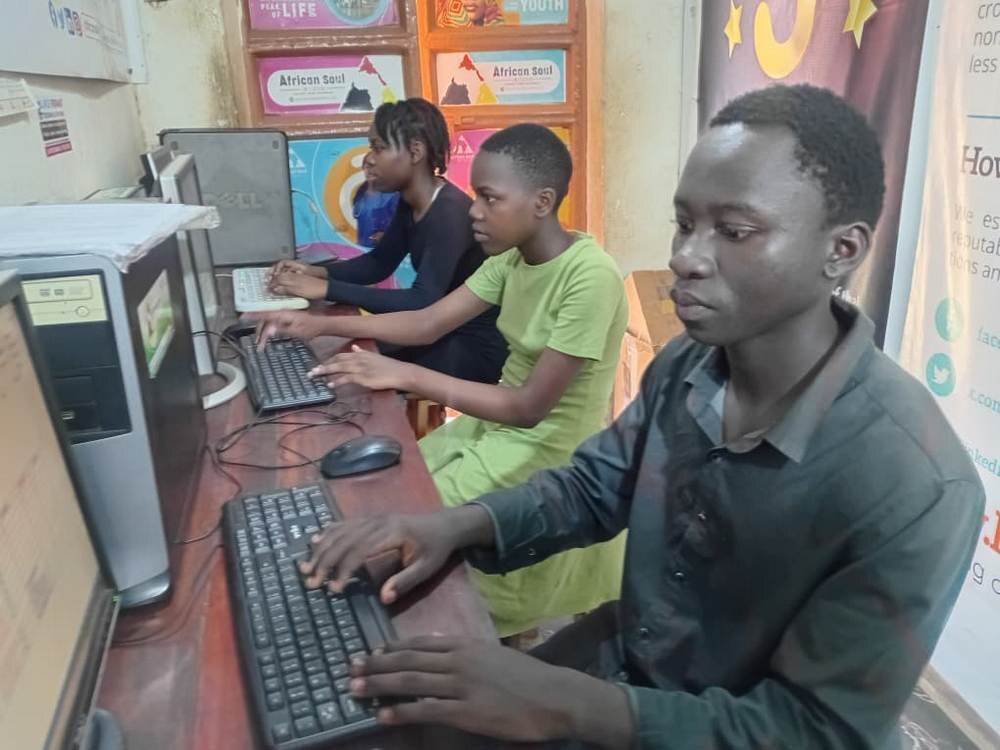
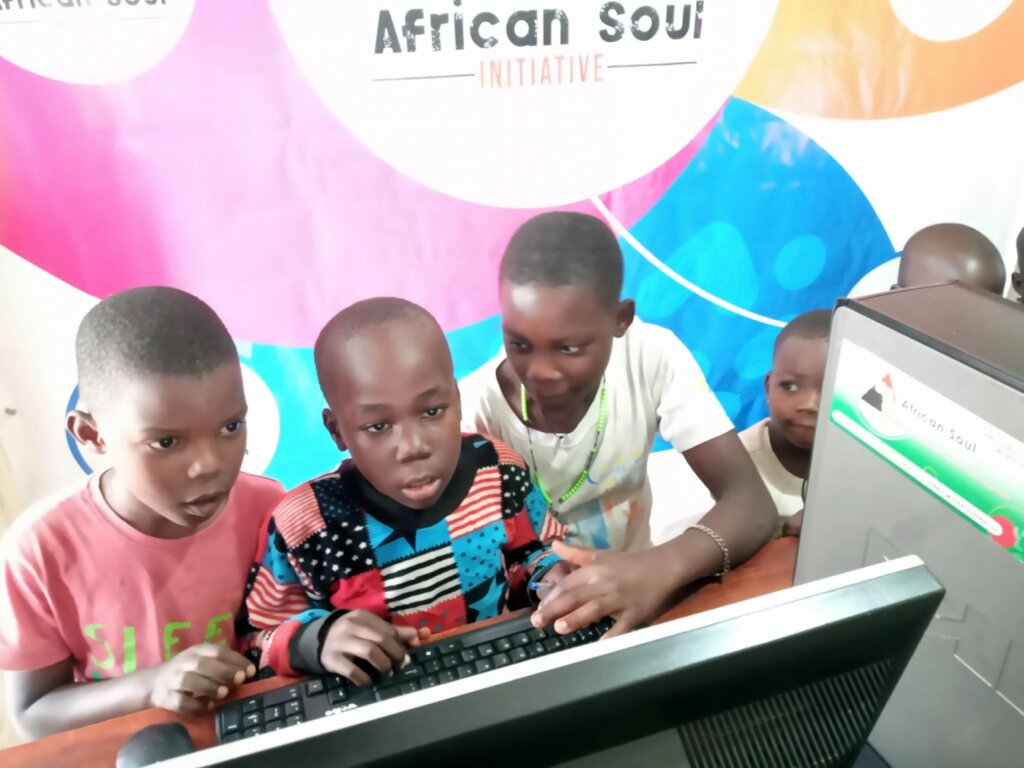
Following the successful completion of the Third Term Holiday Computer Training Program, the initiative continued into May 2026 to provide learners with additional opportunities to strengthen and expand their digital skills. The continuation program focused on reinforcing previously acquired knowledge while introducing learners to more advanced computer applications and practical digital competencies.
The objective during this period was to ensure that participants retained the skills gained during the 3rd term holiday training and could confidently apply them in academic, personal, and community settings. Emphasis was placed on practical learning, problem-solving, and independent use of computer technologies.
Key Activities and Achievements
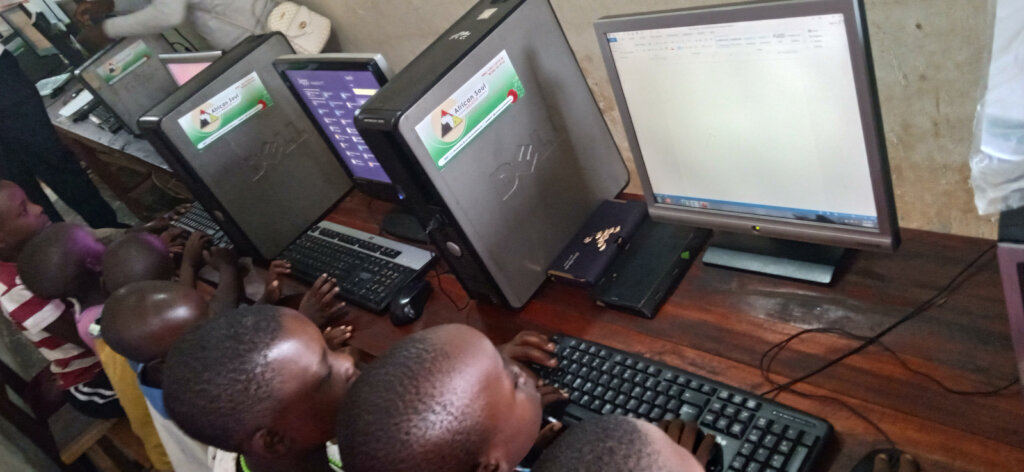
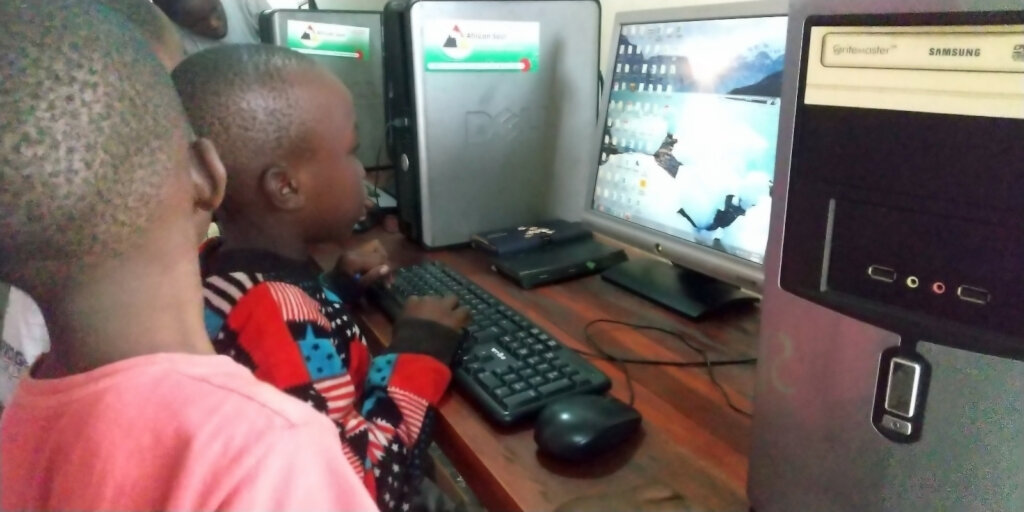
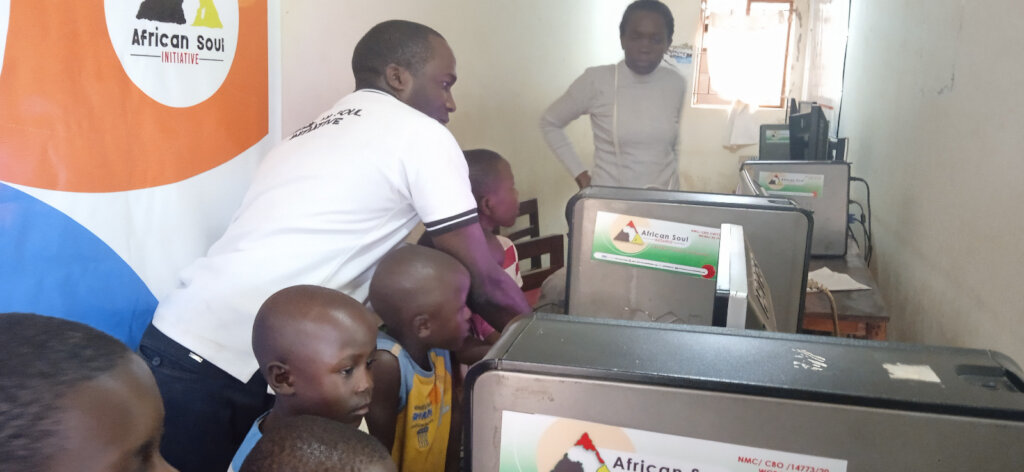
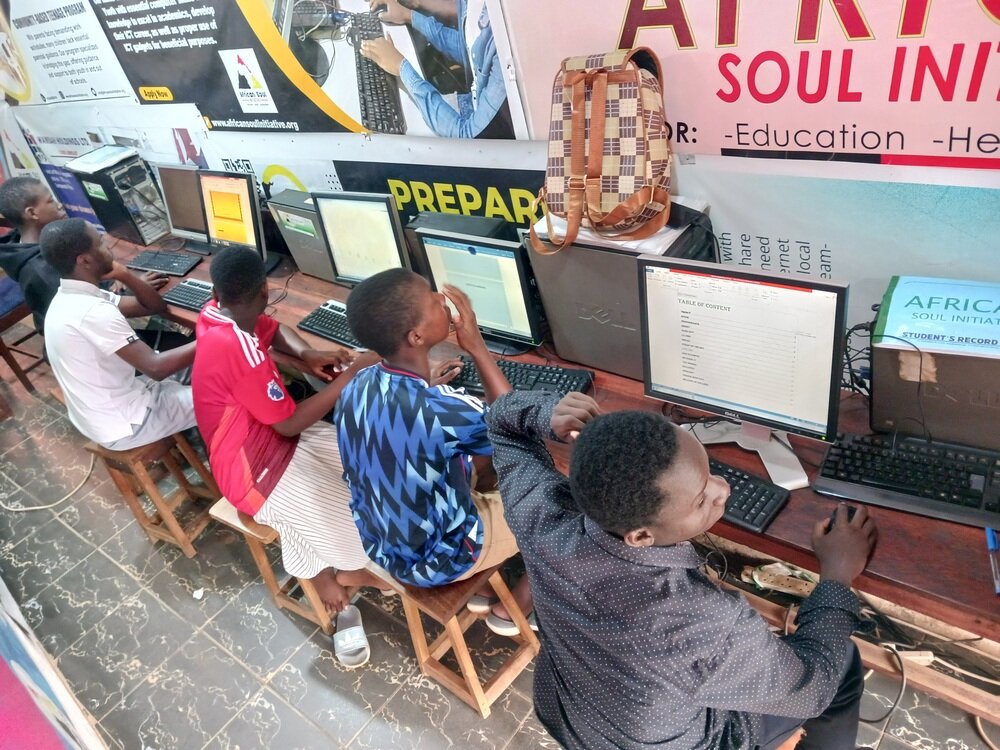
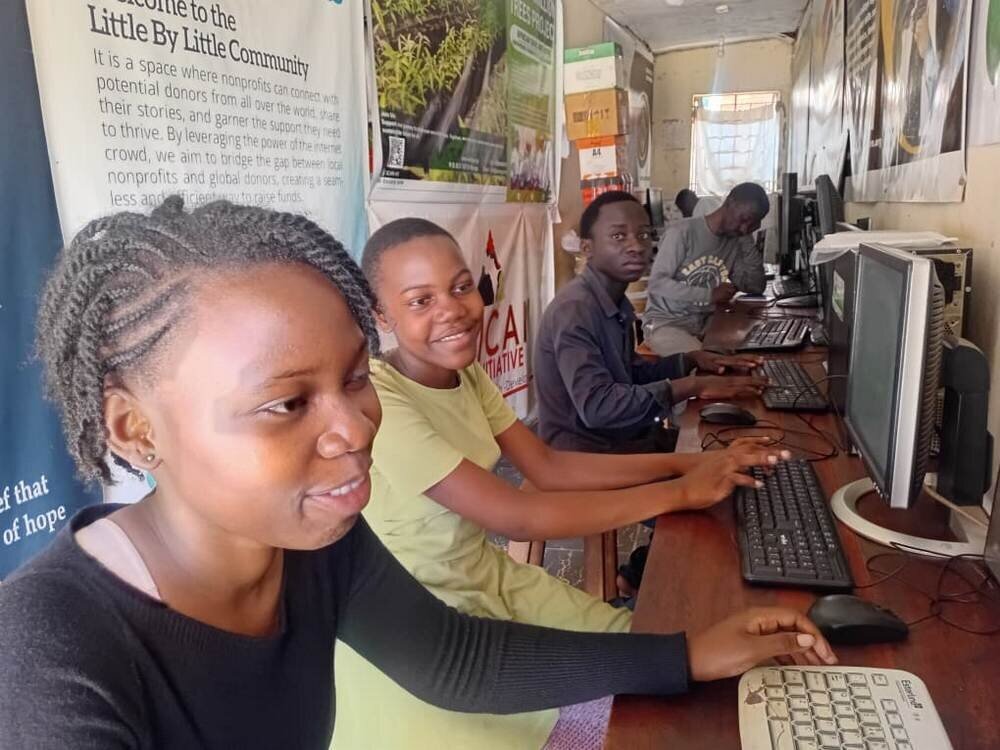
During the reporting period, learners participated in practical computer sessions designed to build upon the foundation established during the holiday program.
Microsoft Word Enhancement
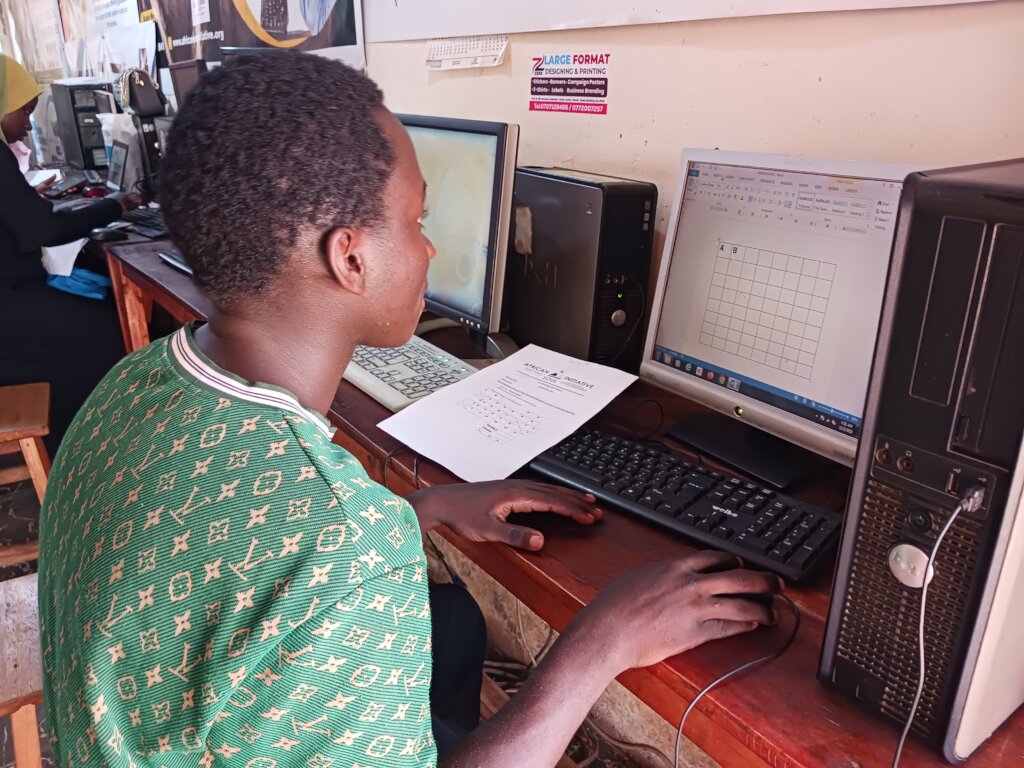
Participants advanced their document creation skills by learning:
Learners demonstrated improved ability to create professional-looking documents suitable for school assignments and community projects.
Microsoft Excel Advancement
Building on the basic formulas introduced during the previous training period, learners explored:
Several learners successfully created simple personal budgets and academic performance tracking sheets, showcasing practical application of their skills.
Digital Literacy and Internet Awareness
Participants were introduced to:
This component helped learners understand both the opportunities and responsibilities associated with digital technologies.
Practical Assessments
At the end of the month, learners completed practical assignments designed to assess their competence. Most participants successfully completed independent tasks involving document preparation, spreadsheet calculations, and file management.
Overall, approximately 90% of the planned monthly activities were successfully delivered.
Impact StoriesAisha's Growing Confidence
Aisha initially struggled with typing and navigating computer applications independently. Through regular practice and mentorship, she now confidently prepares school assignments using Microsoft Word without assistance. Her teachers have noted significant improvement in the presentation and organization of her coursework.
Jordan's Academic Improvement
Jordan discovered that spreadsheet formulas could help him analyze and organize mathematics data more efficiently. He has begun using Excel to track his academic performance and practice calculations, resulting in increased confidence in mathematics-related subjects.
These stories illustrate how digital literacy continues to contribute to academic success, confidence building, and independent learning.
Challenges and SolutionsLimited Computer Access
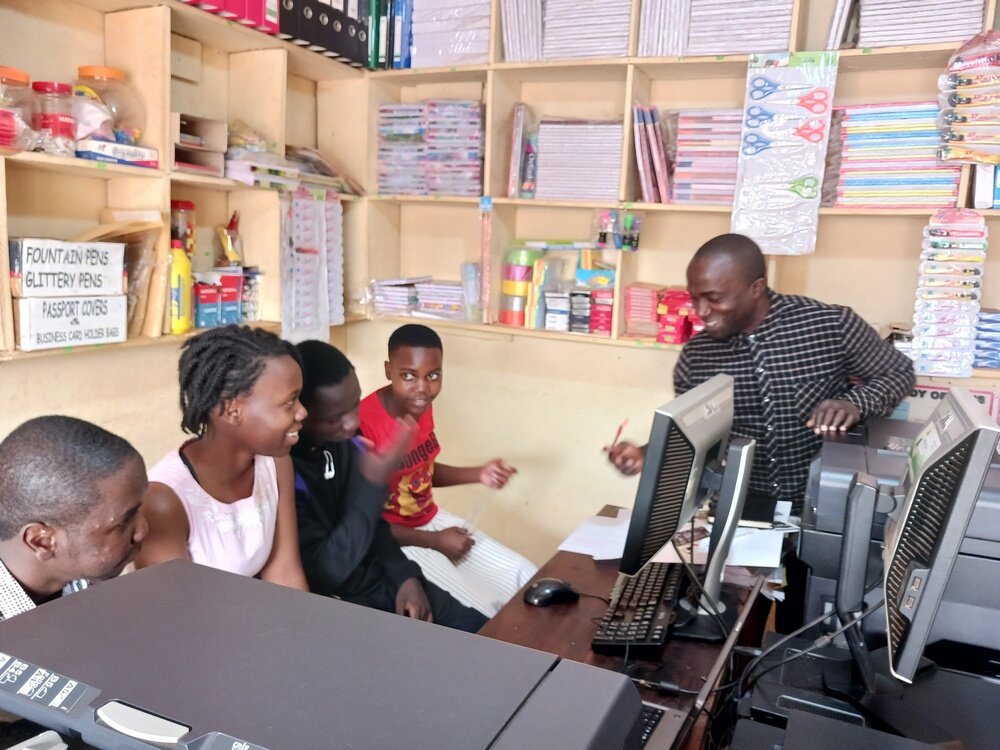
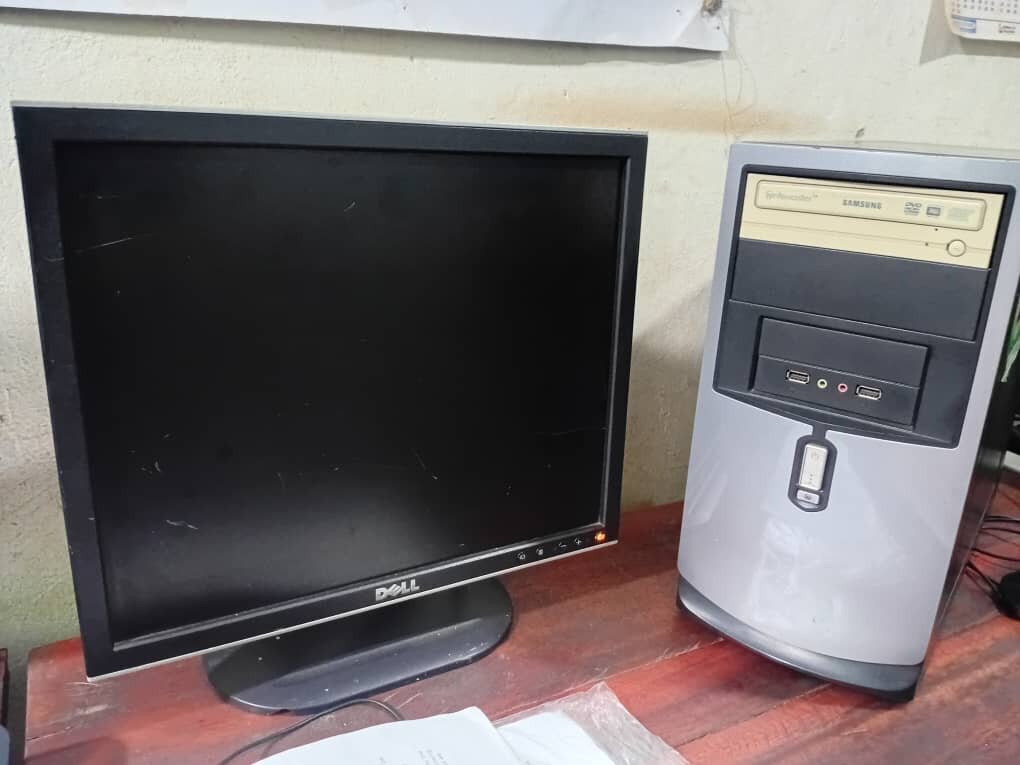
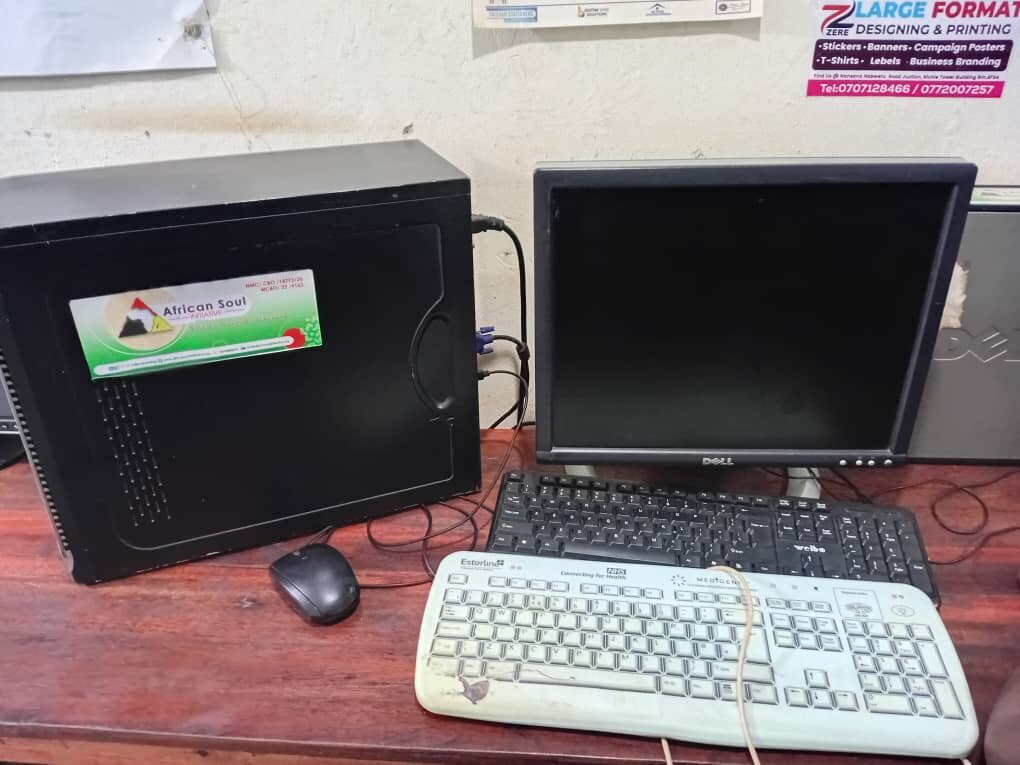
The growing number of interested learners continued to place pressure on available computer resources. To maximize participation, learners were grouped into smaller practical sessions, ensuring each participant received adequate hands-on experience.
Internet Connectivity Constraints
Occasional internet connectivity challenges affected online learning sessions. To address this issue, offline training materials and practical exercises were prepared in advance, allowing learning activities to continue uninterrupted.
Equipment Maintenance
Some existing computers required routine maintenance and software updates. Regular servicing was conducted to improve performance and minimize downtime during training sessions.
Future Plans
The program aims to further strengthen digital literacy by introducing:
Plans are also underway to acquire additional computers to increase learner access and improve training efficiency.
Conclusion
The continuation of the Computer Training Program has further demonstrated the value of sustained digital education. Learners have shown remarkable progress in applying technology to academic and practical tasks, while gaining confidence and independence in the digital environment.
Although challenges relating to equipment and connectivity remain, the program continues to create meaningful educational opportunities and equip young people with essential twenty-first-century skills.
Message of Gratitude to Donors
We sincerely thank our donors, partners, and supporters for their continued commitment to this program. Your investment is helping young people acquire skills that will serve them throughout their education and future careers.
Every computer session, every lesson delivered, and every learner empowered is a direct result of your generosity and belief in the transformative power of education.
Together, we are building a generation that is digitally capable, confident, and prepared for the opportunities of the future.
Thank you for your continued support.
By Ronert Kyobe | Project Leader
By Robert Kyobe | Project Leader
Project reports on GlobalGiving are posted directly to globalgiving.org by Project Leaders as they are completed, generally every 3-4 months. To protect the integrity of these documents, GlobalGiving does not alter them; therefore you may find some language or formatting issues.
If you donate to this project or have donated to this project, you can receive an email when this project posts a report. You can also subscribe for reports without donating.



Support this important cause by creating a personalized fundraising page.
Start a Fundraiser